
How to check the zip code associated with your credit card you have saved in Resident Access
1. Log into your Resident Access account by visiting
www.sulphur.org/paybill
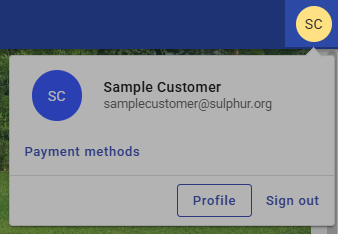
2. Once you are logged in, click on your initials in the top right of the screen.
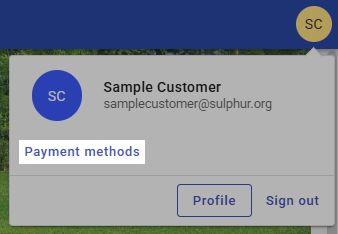
3. Click Payment methods.
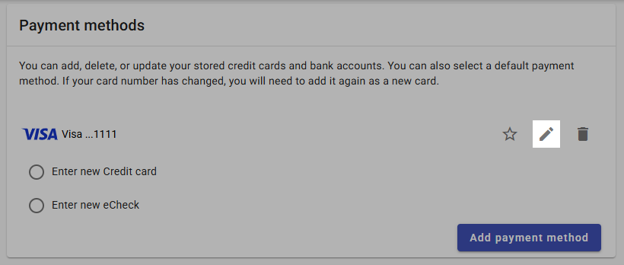
4. Click the pencil next to your saved payment method.
5. Confirm that the information saved is exactly what your bank has on file for this form of payment. Having incorrect information will cause the payment to be declined.
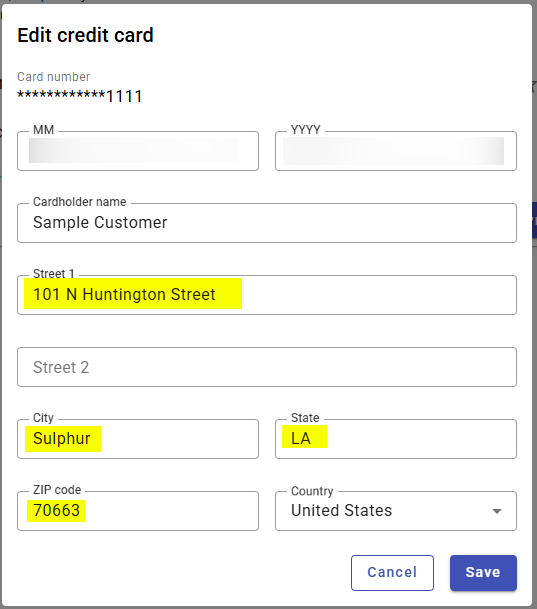
6. Once your information has been updated, click the save button
If you experience discolored water, please run your faucet for 30 minutes if the water has not cleared at this point, please call our Water Plant at 337-313-1153.
Digital Wallets
Please note that our payment processor cannot accept Apple Pay, Google Pay, or other digital wallets at this time.
We accept all major credit cards, debit cards, and standard bank transfers.